AI Video Tools with a One-Time Payment What to Check Before You Buy
A one-time payment for an AI video tool means you pay once instead of monthly, but the terms vary a lot. Some licenses last forever, some cover a set period, and some limit updates, exports, or usage. Before you buy, check the license length, update policy, usage caps, watermarks, and where your footage is processed. Reelify AI is one example: free forever on Mac with no watermark and no credit card, and $59 once for unlimited exports from every video.
Free forever. No watermark, no credit card. For Apple Silicon Macs.
Buy-once AI tools at a glance
- What one-time means
- One payment instead of a recurring charge. The length of the license varies by vendor.
- Terms that vary
- License length, update policy, usage caps, export watermarks, commercial rights, data handling
- Main risk
- A payment labeled one-time that still limits usage, charges for updates, or expires
- Best when
- You use the tool often enough that a known cost beats a monthly plan
- Reelify example
- Free forever on Mac, or $59 once with no subscription for unlimited exports from every video
- Reelify free option
- Unlimited video imports, AI clipping on every video, 1080p exports with no watermark. No credit card.
Pricing as of October 2026.
Checklist before you pay once
Most disappointment with buy-once software comes from terms the buyer did not read. Check these six things first.
| Check | Why it matters | Reelify Creator license |
|---|---|---|
| License length | Perpetual, fixed-term, and lifetime-of-the-product are different promises. | Covers one year. Does not auto-renew. |
| Usage caps | Some one-time plans still limit minutes or exports. | Unlimited AI clipping, no credits. |
| Watermarks | A watermark can make free or cheap tiers unusable for publishing. | No watermark on Mac exports, on the Free plan or paid plans. |
| Updates | Major versions may need a new purchase. | See current pricing. |
| Commercial use | Rights to publish or sell what you make should be stated. | See the terms for the license details. |
| Data handling | Uploads mean your footage sits on a vendor server. | Video processed on your Mac. Not uploaded. |
One-time payment compared with other pricing models
| Model | What you avoid | What to watch for |
|---|---|---|
| One-time, perpetual | Recurring bills | Paid upgrades for major new versions |
| One-time, fixed term | Monthly billing | The license ends when the term does |
| Subscription | Large upfront cost | Cost keeps growing and continues as long as you use it |
| Pay-per-project credits | Any commitment | Costs can spike in heavy months |
| Free local tool | Any cost | Often limited to one platform or missing features |
Where Reelify fits
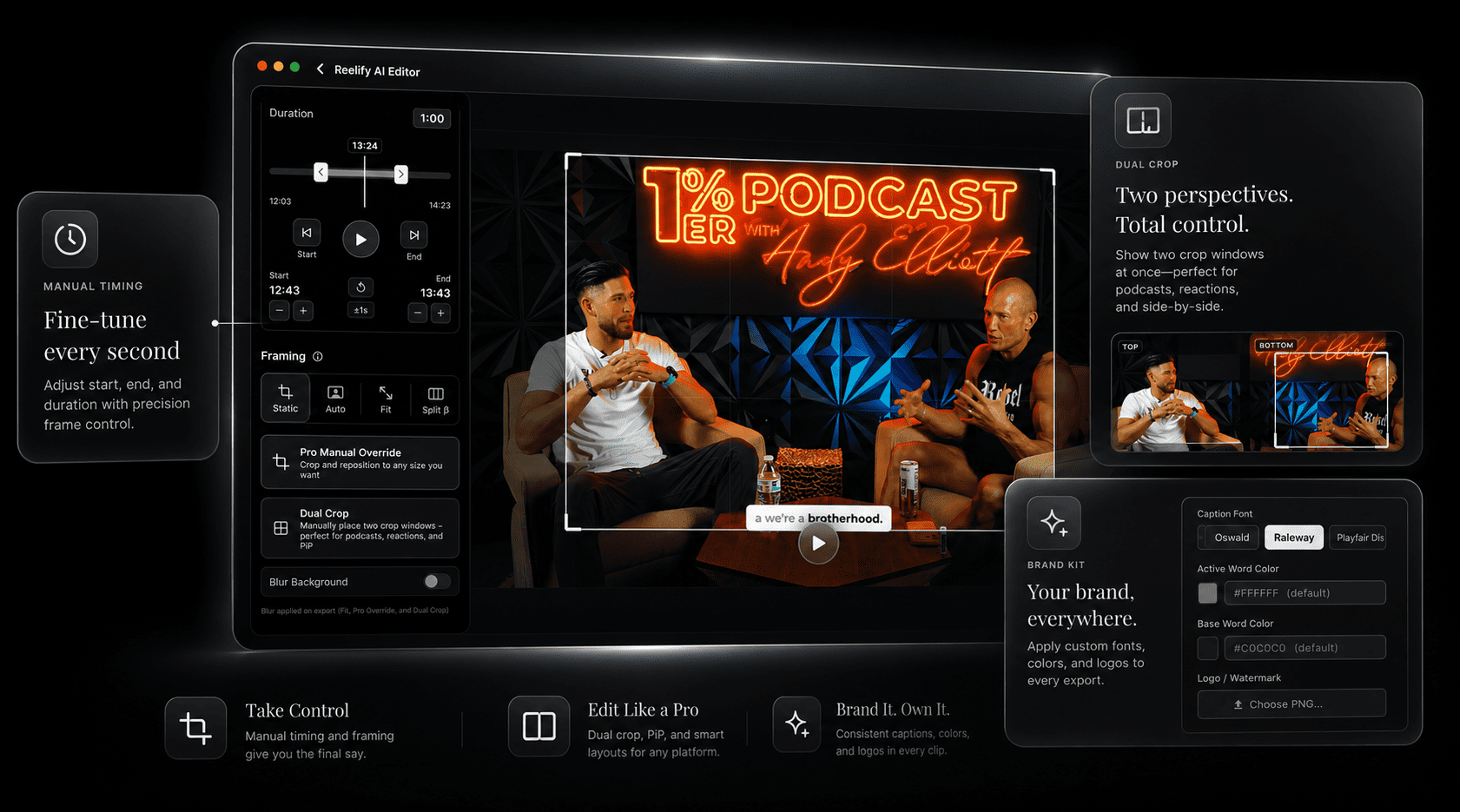
Reelify for Mac is free forever, with no watermark and no credit card. Creator is $59 once for unlimited exports from every video on an Apple Silicon Mac, with no subscription. It runs its AI on your Mac, which is why it can skip credits and per-minute billing. It is a clipper and short-form editor, not a full video editor.
In our internal tests on an M2 MacBook Pro, a 50-minute interview surfaced 11 to 14 clip candidates in about 95 to 120 seconds. Results vary by footage and hardware.
| Plan | Price | Billing | AI clipping | Exports |
|---|---|---|---|---|
| Free | $0 | No credit card | AI clipping on every video | 1080p exports, no watermark |
| Creator | $59 once | One payment. No subscription. | Unlimited, no credits | Unlimited exports from every video, all caption styles |
| Starter | $15 per month | Monthly subscription | Unlimited | Unlimited exports from every video, all caption styles |
See the workflow in 18 seconds
This short demo shows a video being dropped into Reelify, the clips screen listing the suggested moments, and a simple clip exported with captions. It has no audio.
Who buy-once pricing fits
Buy-once tends to fit when
- You use the tool every week and want a known yearly cost
- You dislike credits, minute caps, and renewals
- You want footage to stay on your own machine
- You can test the tool on your own files first
A subscription may fit better when
- You need team collaboration, shared libraries, or cloud storage
- You prefer to pay month to month and cancel at any time
- You want guaranteed free upgrades forever and the vendor does not promise them
- The vendor will not state the license term in writing
Frequently asked questions
Are there AI video tools with a one-time payment?
Yes. Some tools sell perpetual licenses, some sell fixed-term licenses, and some pair a free tier with a paid upgrade. Reelify is free forever on Mac with no watermark and no credit card, and Creator is $59 once with unlimited exports from every video and no subscription.
What should a buy-once license include?
It should cover the core workflow you rely on, keep exports usable without a watermark, state how long the license lasts, and avoid hidden credit caps.
Do one-time tools still get updates?
It depends on the vendor. Some include ongoing updates, while others require a paid upgrade for major new versions. Reelify includes all updates during the license period.
Is a one-time payment the same as a lifetime license?
It depends on the tool. Some one-time payments are perpetual, others cover a fixed period. Reelify's earlier AppSumo lifetime deal has sold out. See the lifetime deal status page.
How much does Reelify cost?
Reelify for Mac is free forever, with unlimited video imports, AI clipping on every video, and 1080p exports with no watermark. No credit card. Creator is $59 once, with no subscription, and adds unlimited exports from every video, all caption styles, and the full editing suite. Starter is $15 per month with the same features.
Can I try Reelify before paying?
Yes. Reelify for Mac is free forever with no credit card. Run a real video through it and judge the clips on your own footage.
Start free on your Mac
Run a real video through the free plan: no watermark, no credit card. When you want unlimited exports from every video, Creator is $59 once.
Apple Silicon Mac, macOS 15 or later. Rated 4.9★ on the App Store.